Exploring Multimedia and Tables in HTML
Day 4 of My Front-End Development Journey

Dynamic graphic designer with a passion for creativity and problem-solving. Proven track record of managing diverse projects and pushing design boundaries to create resonant digital and print designs. Dedicated to tackling new challenges, I specialize in crafting intuitive, impactful designs that enhance customer experiences. Design is not just my job—it’s my craft and joy.
My journey into front-end development is going very well, and each day boosts my confidence. Today, I stepped into the world of multimedia tags and table creation in HTML, adding another layer of skills to my growing toolkit.
Introduction to Multimedia Tags
On my fourth day, I learned about embedding multimedia elements in HTML. This included:
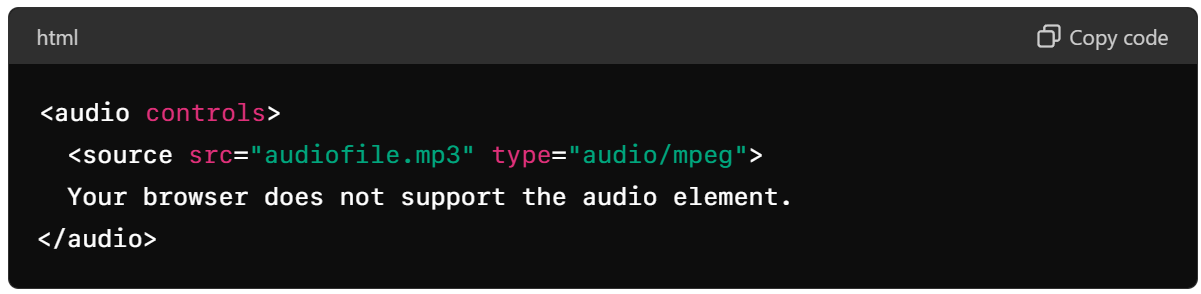
Audio: Embedding audio files with controls for play, pause, and volume.
Video: Adding video content with adjustable width, height, and controls.
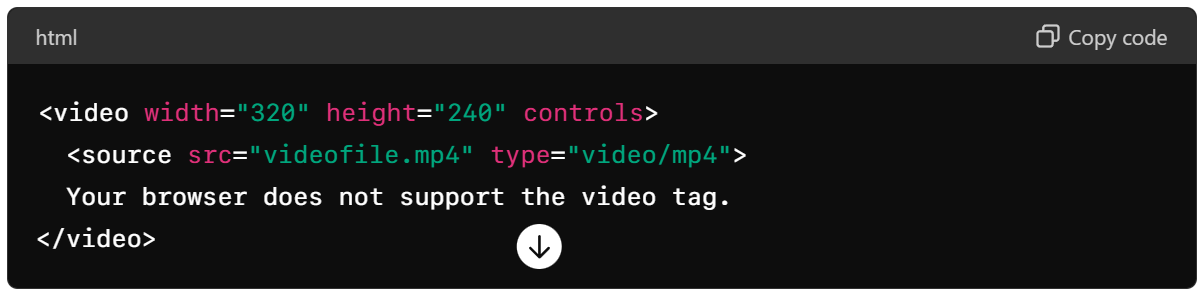
Image: Inserting images with attributes for responsiveness.

iFrame: Embedding external content like maps or other websites.

Learning to Build Tables in HTML
I also focused on creating tables in HTML, which included:
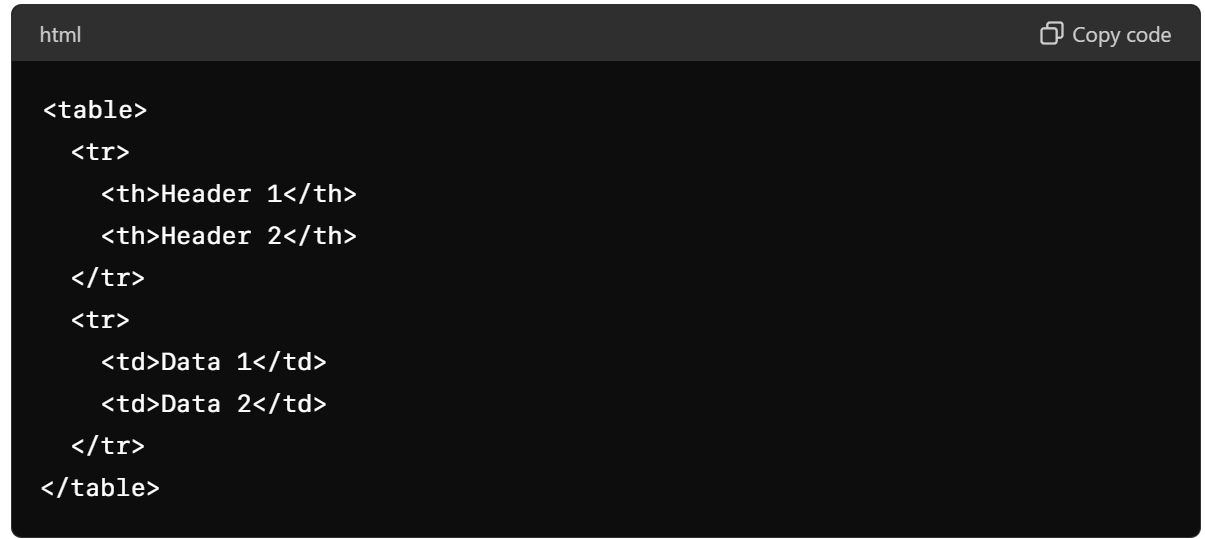
Basic Table Structure: Using <table>, <tr>, <td>, and <th> tags to create a table.
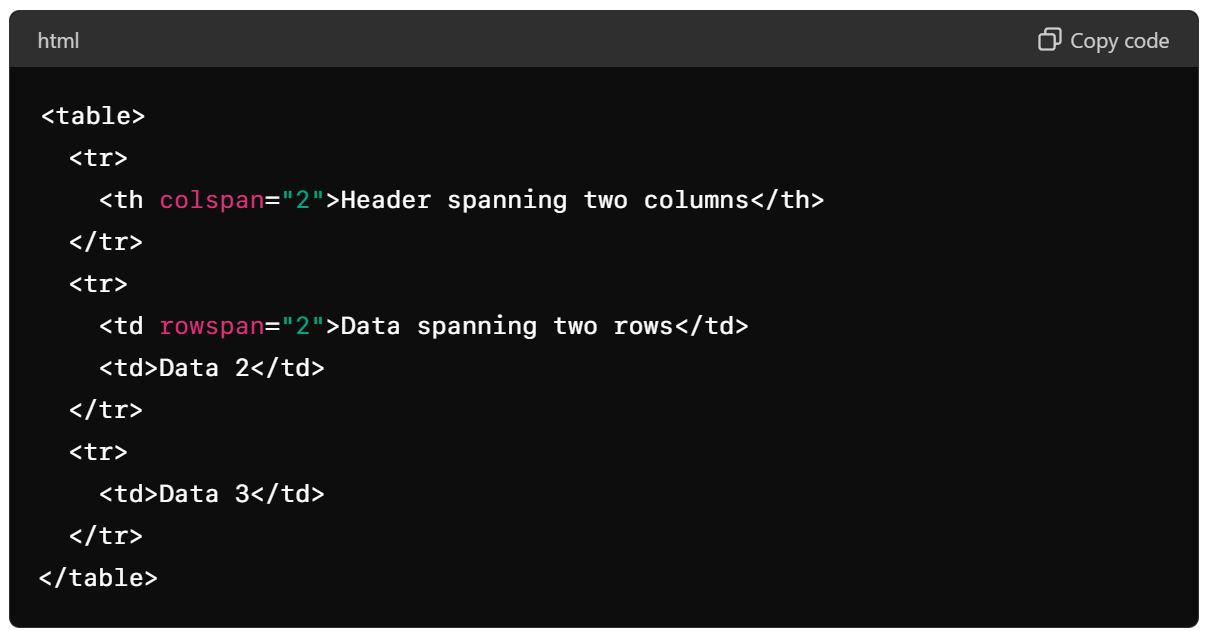
Colspan and Rowspan: Combining cells to create more complex tables.
Practical Project
I put my new skills to the test by completing a detailed table project, which helped solidify my understanding of how to effectively use table tags in HTML. You can view the project here: Day 4 Table Project.
Project Assignment
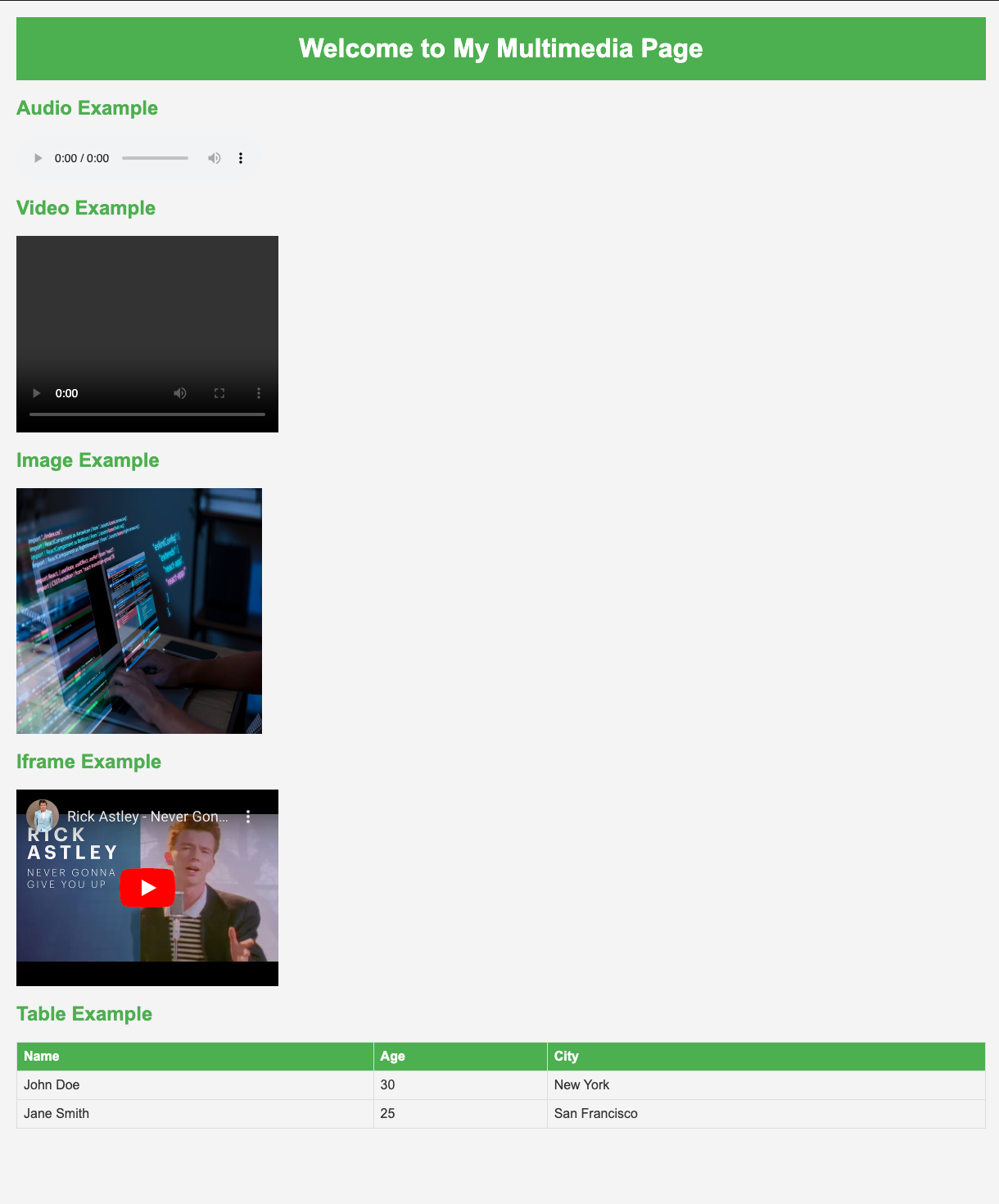
As an assignment, I was tasked with replicating a website design using the techniques I learned. I successfully completed this project and posted it on GitHub. You can check out the project here: Day 4 Assignment.
I also posted my learning journey on LinkedIn, which you can check out here.
Every step in this journey is a learning experience, and I’m excited to see how my skills will continue to grow. Stay tuned for more updates as I progress further into front-end development!


